Save what’s open
Use a shortcut for the current tab, selected tabs, or every tab in a window.
Made for curious minds
For everything you meant to come back to.
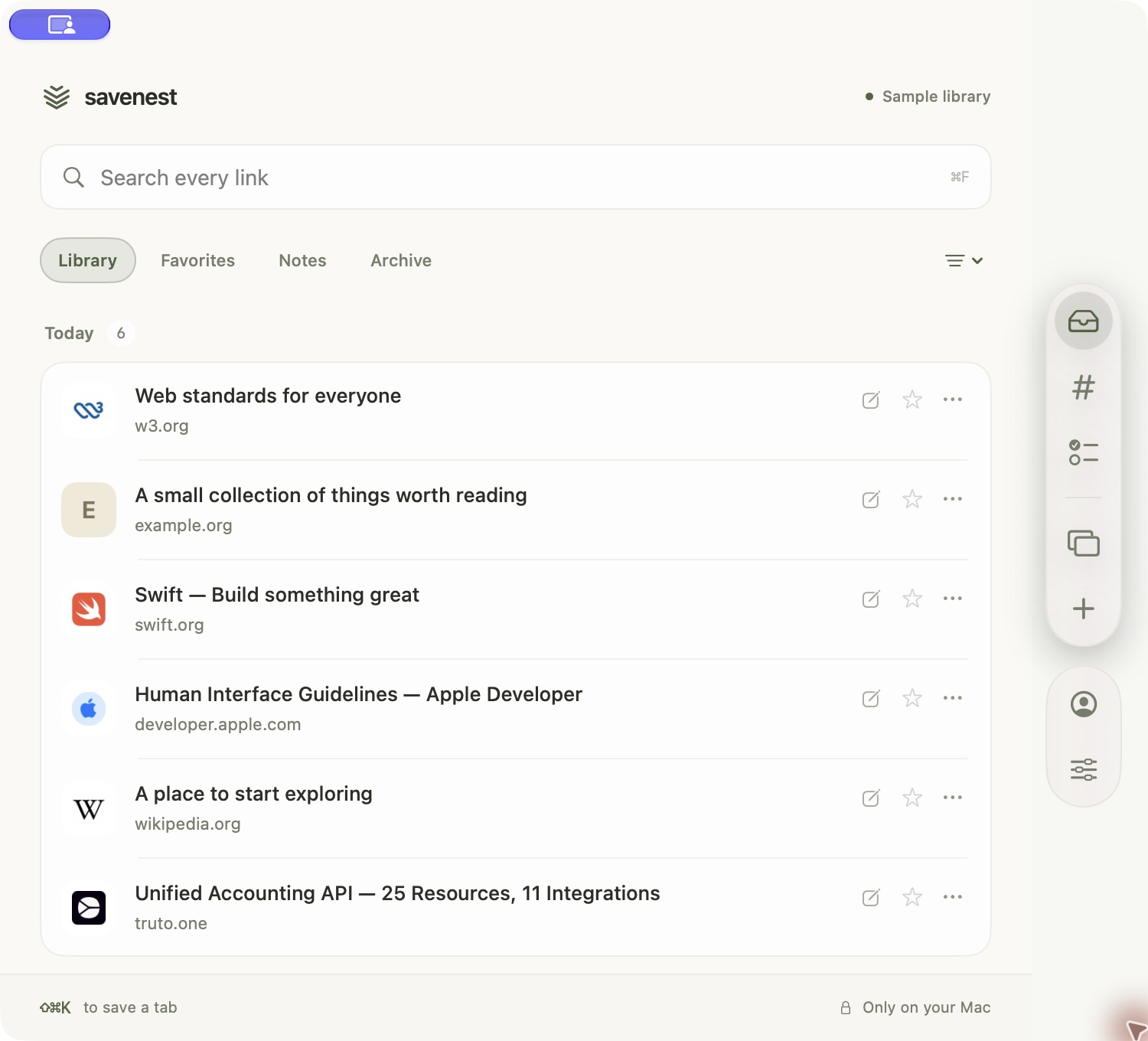
Save articles, references, rabbit holes, and odd little discoveries from Safari, Chrome, Arc, Brave, or Edge. Find them later by title, URL, note, or tag.
$9.99 $4.99/month launch price · cancel anytimemacOS 14+ · Apple Silicon & Intel.
Notarized by Apple. Sign in inside the installed app.
01 The problem
Tabs stay open because they carry unfinished intentions: read this, use this, remember this. SaveNest moves those intentions somewhere deliberate—without turning them into another cloud inbox.
02 How it works
Use a shortcut for the current tab, selected tabs, or every tab in a window.
Add the note, title, or tags that explain why the page is worth keeping.
For a single tab, SaveNest can close it only after the save succeeds. Bulk saves never close tabs.
Search titles, URLs, notes, and tags. Filter by favorites, archive, date, or importance.
03 Local by design
Saved URLs, titles, notes, and tags are stored locally. They are not synced into a SaveNest cloud library.
The website handles your account and billing. You can export your library as a backup whenever you want.
No cloud library