Read with a purpose
Your read-later list keeps growing. Make a smaller reading queue.
Keep useful references without turning every article into an overdue task.
Keep a small reading queue and a separate reference collection. A saved link is not a commitment to read it.
An article can be worth keeping without being something you intend to read this week. If every saved page enters the same reading queue, a useful reference library starts to feel like a list of overdue tasks.
Keep a small queue for what you actually want to read next. Save everything else as reference, with a note about why it might matter. SaveNest can hold those links on your Mac and help you find them again, but choosing what deserves your time is still your decision.
Separate a reading plan from a collection
The problem appears plainly in a Reddit discussion about turning “read it later” into “read it now”: saving is easy enough that the backlog keeps growing. Advice in the thread includes keeping a smaller near-term list apart from material that might be useful someday.
A reference collection answers “Where was that thing?” A reading plan answers “What will I read next?” You can use the same app for both, provided the distinction stays visible.
Choose a small limit for the active queue. Four articles is a reasonable experiment, not a scientifically established number. If four is too many for your week, choose one. The point is that adding a new article should make you reconsider an older choice.
Save the reason, as well as the URL
Use SaveNest's Save with a note command for an article you want to return to. Write the question it might answer: “Does this explain why our onboarding loses people?” or “Example of a clear product announcement.” These are example notes, not claims about a particular article.
Keep the note short enough that saving doesn't become another writing task. A sentence often preserves the context that the page title misses.
If you use tags, give active reading a distinct tag such as read-next. Keep broader subject tags for reference. Before using a new tag, check whether you already have one that means the same thing. A handful of familiar tags is easier to remember than a growing set of near-duplicates.
Build your next reading session
- Open SaveNest with ⌘O and choose Search saved links.
- Search your active-reading tag or a question you're working on. Choose one page that serves that question.
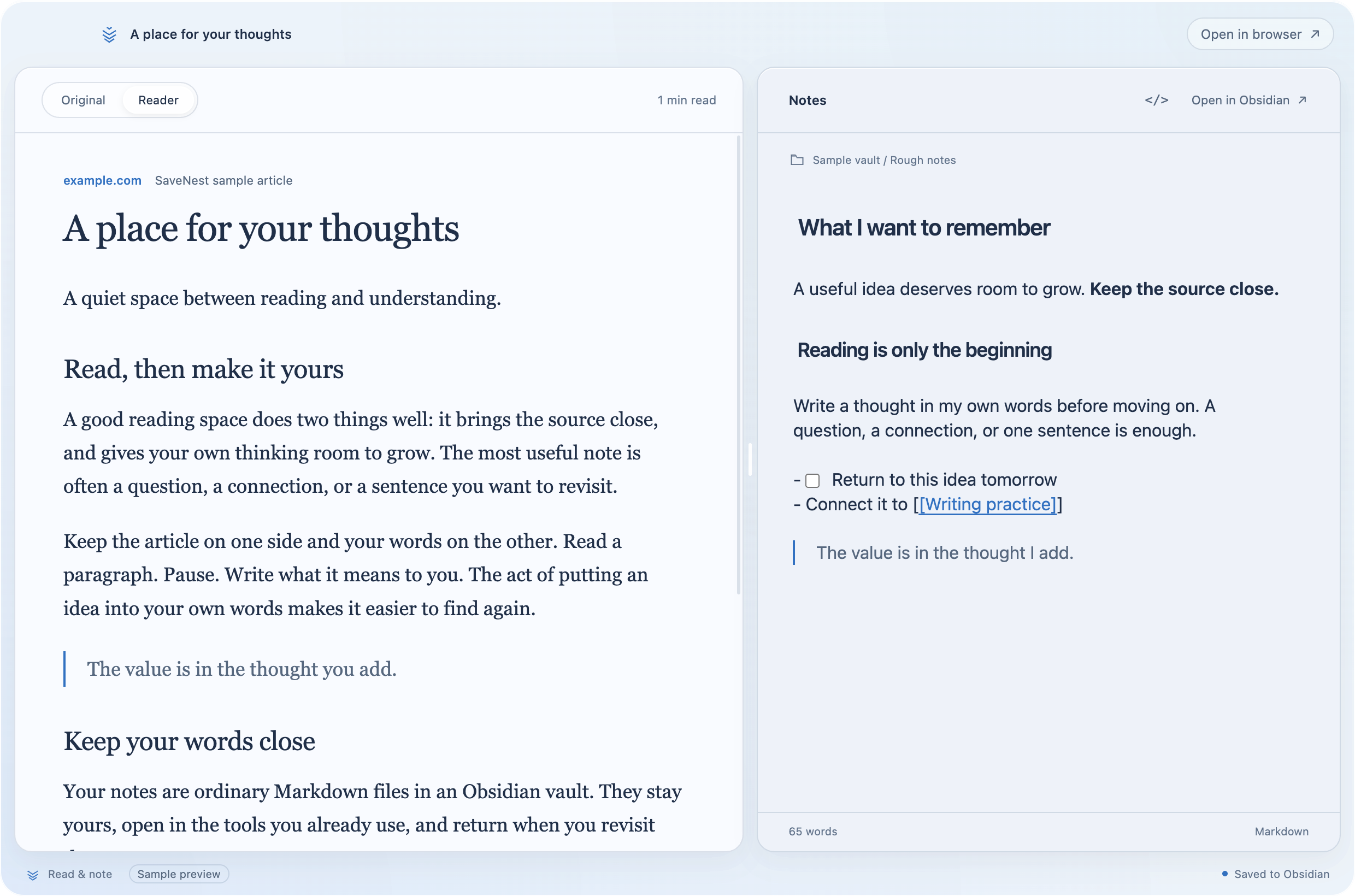
- Open it in your browser, or use Read & note if you want the page beside an Obsidian Markdown note.
- After reading, remove it from the active queue. Keep it as reference if it remains useful, or archive it so it isn't competing with current work.
The queue doesn't need to empty every week. It does need to remain a believable picture of what you intend to read. If an article has sat there through several reviews and no longer answers a current question, move it out of the active queue without treating that as a failure.
Make one note you can use later
Reading an article and saving its link are different actions. To leave with something useful, write down the idea you want to remember, a disagreement, or the action it suggests.
SaveNest's side-by-side reading workspace keeps a page beside a Markdown note in an Obsidian vault you choose. You can read the original page or try the optional Reader view. The note remains an ordinary file you can open in Obsidian.
You don't need to summarise the whole article. If you only needed one example, record that example and why it helps. For a page that contains no useful answer, closing it is a complete outcome.
Make retrieval part of the habit
When a new question appears, search your saved library before saving more articles about it. Try a word from your old notes or the name of the website you remember. You may already have the explanation you need.
That matters because saved links can become a place you never visit. In this discussion about giving up on bookmark managers, the original poster describes saving material and then searching the web again instead. A new folder structure alone won't change that pattern; opening search when you need something gives the collection a job.
Set aside a little time at the end of a reading session to choose the next article. Keep the choice small and tied to a current interest or project. There is no benefit in making an ambitious reading plan that you avoid opening.
Close the article tabs you've already saved
Once you have checked that the links are in your library, the browser doesn't need to hold a second copy of your reading queue. Close the tabs you've saved for later, after dealing with any unsaved work. The save-before-closing guide walks through that check.
Remember what a saved link preserves: the address and your context. The source website can still change or disappear, and saving a link doesn't guarantee offline access. Keep separate copies where you need a lasting archive, and export your SaveNest library periodically. Obsidian Markdown notes need their own vault backup.
The next time an interesting article appears, decide whether it belongs in your next reading session or in reference. You can keep it either way. Only one choice creates a reading commitment.